
Avionics
The World at
Your Fingertips
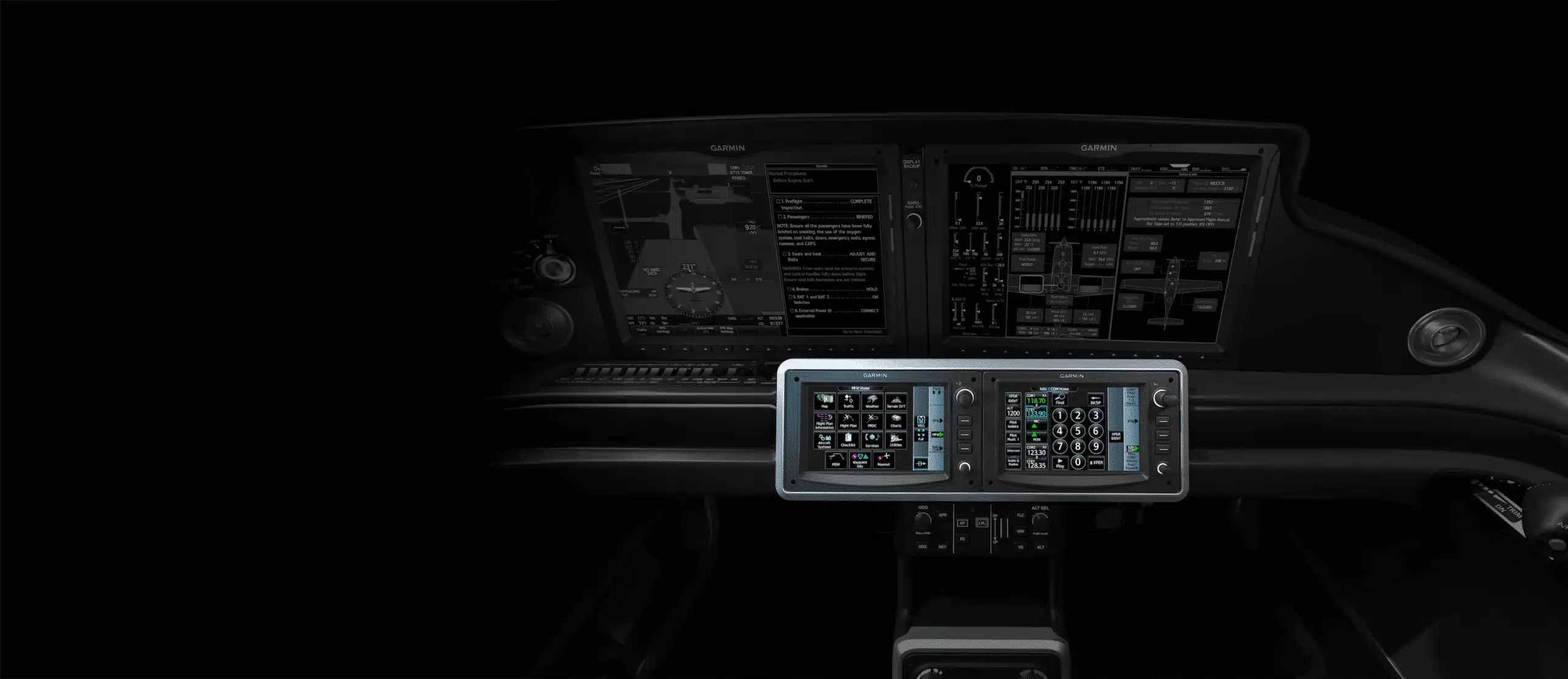
Cirrus Perspective Touch+ includes large, colorful, high-resolution displays, making them ideal for viewing charts, managing your flight plan, or keeping an eye on the weather.
Touchscreen Controllers
Perspective Touch+ touchscreen controllers provide quick access to every function. So, you’re always only a few taps away. Responsive, icon-based “touch keys” provide intuitive access to flight planning, mapping, procedures, audio controls, synoptic pages and more. Shallow menus ensure every function is only a few taps away, and a convenient home button is always available on every page.
Alerts-Linked Checklists
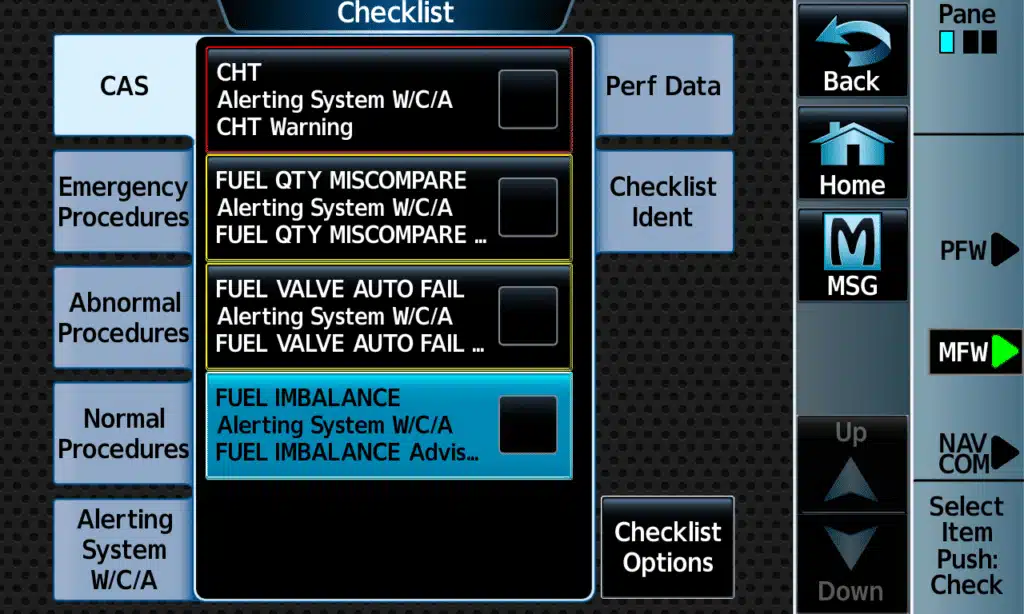
No more searching and scrolling for the right checklist when your aircraft needs your attention. Whenever a CAS message is present, you can quickly locate the associated checklist.
Synoptic Pages
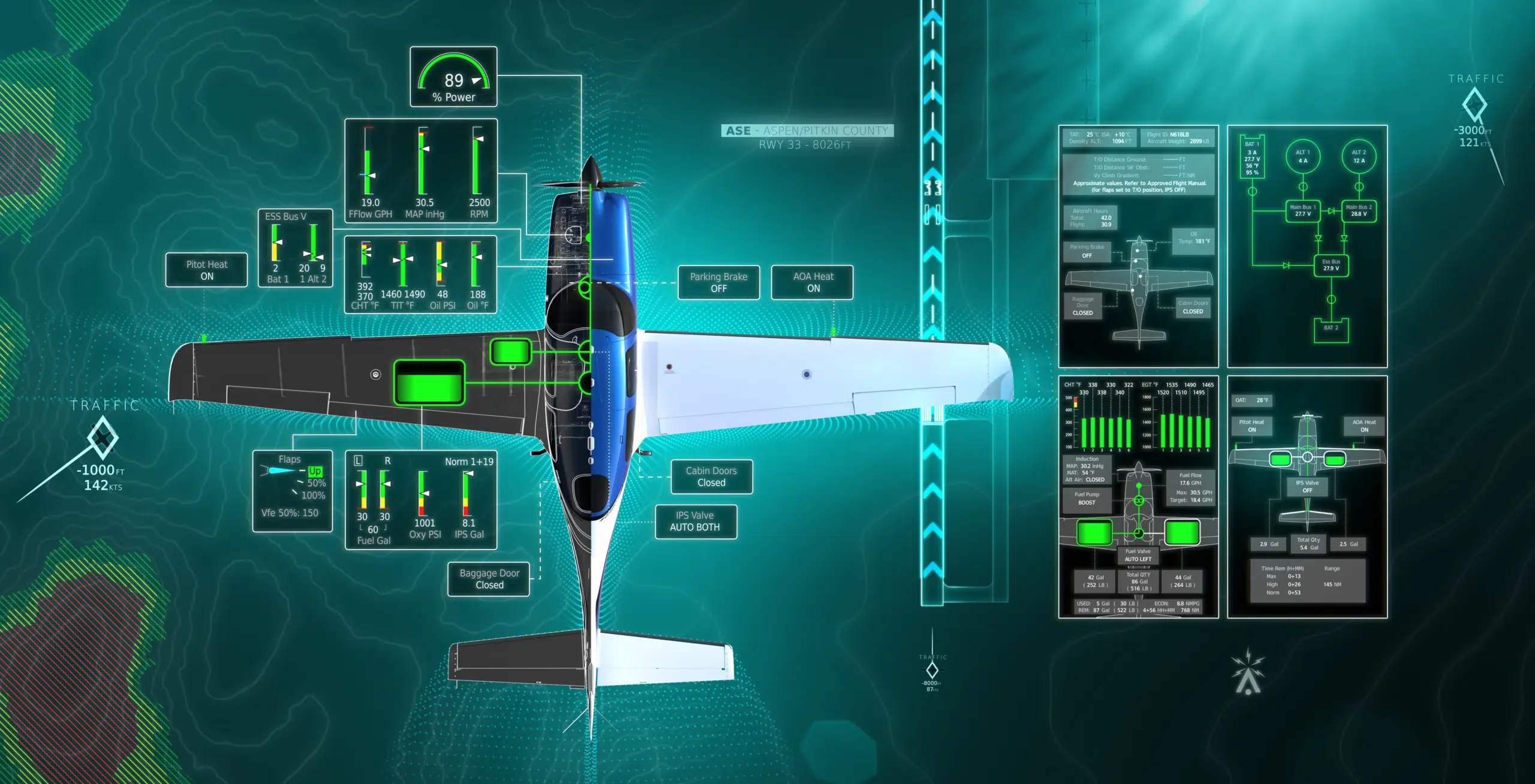
View intuitive synoptic pages that let you check the health and status of your aircraft systems at a glance with key readiness items, including engine and fuel, electrical, ice protection systems and more.
Checklist Scroll Wheel
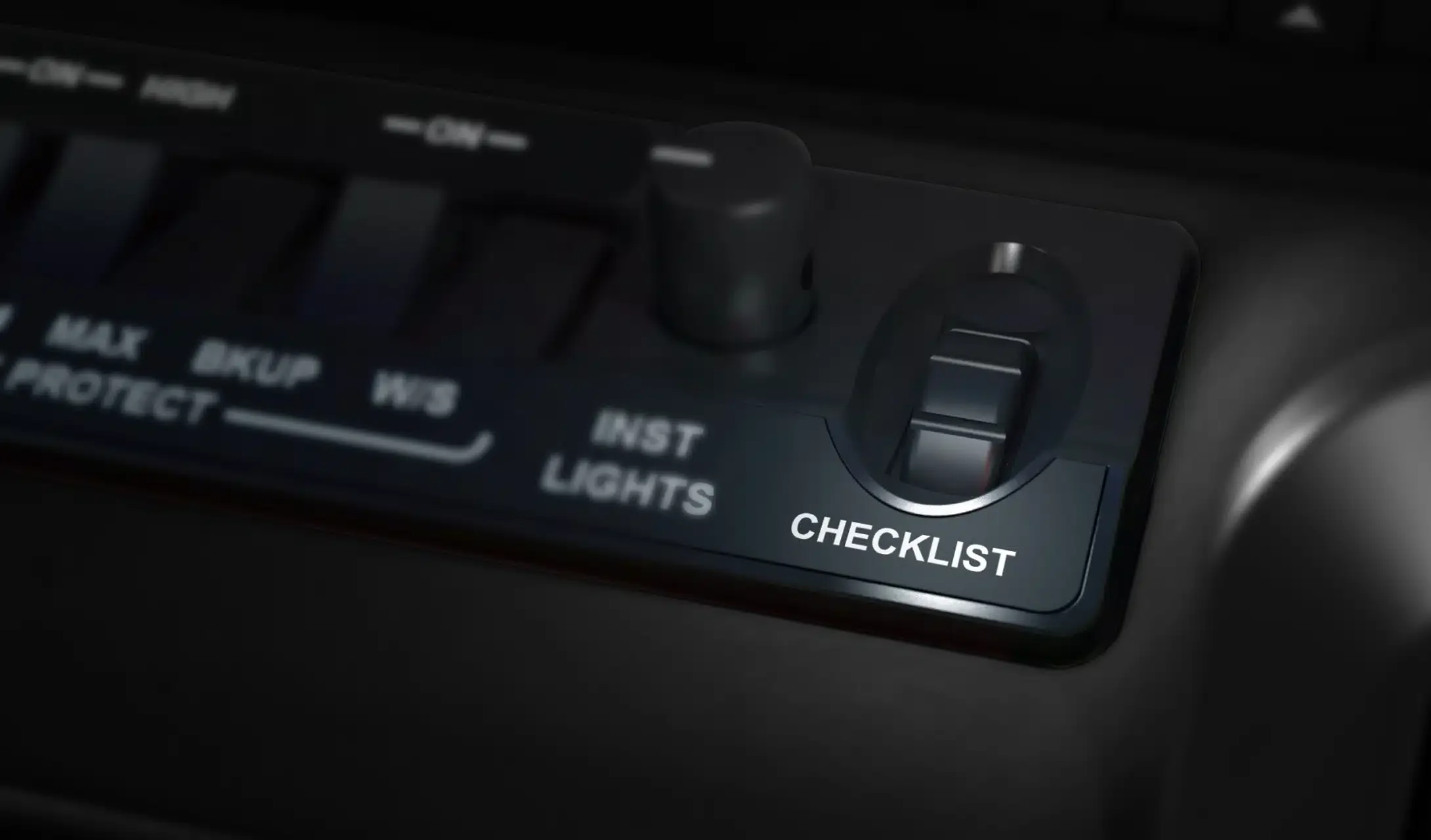
Glide through checklists with the scroll wheel, which doubles as a button to mark completed items.